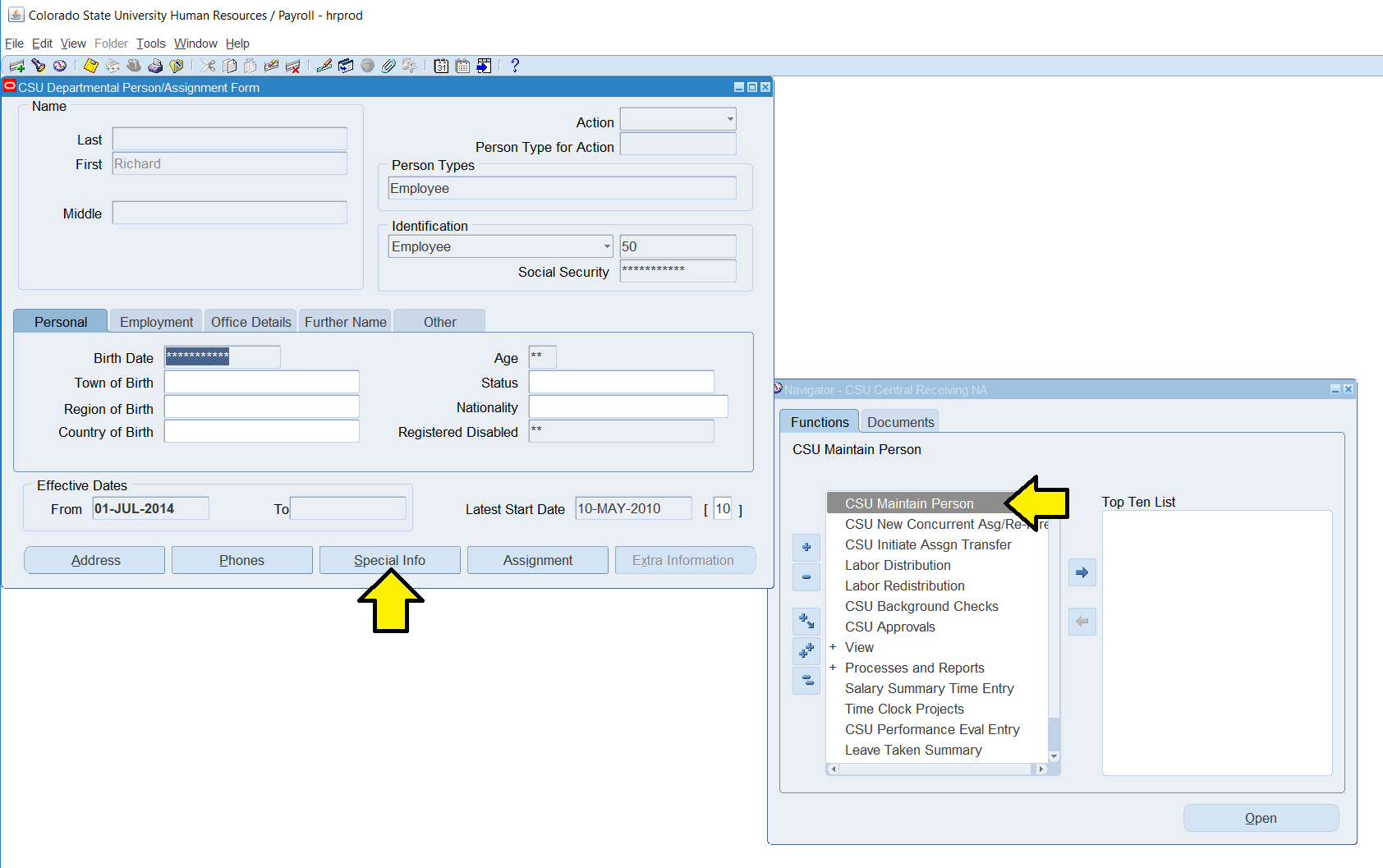
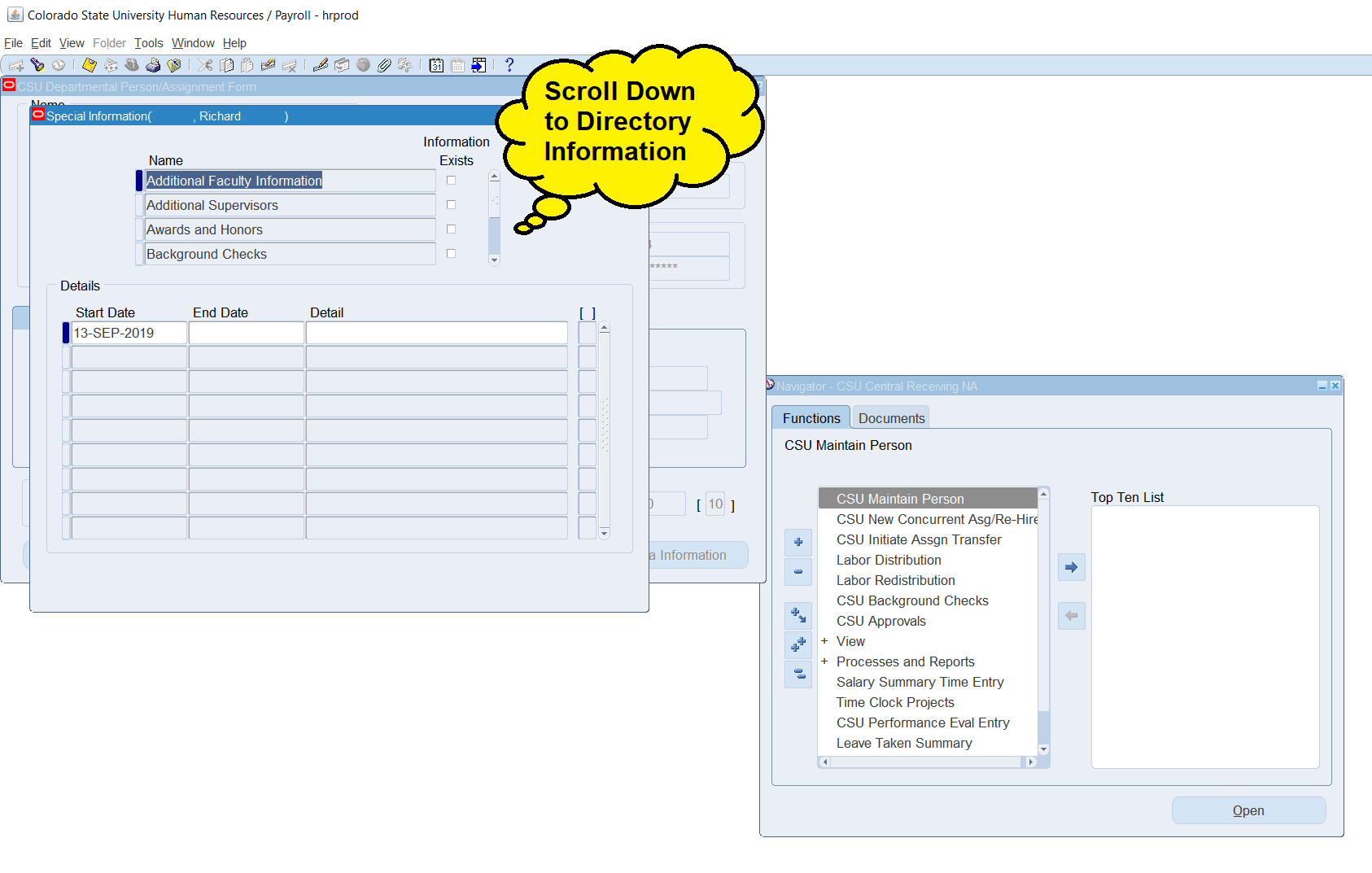
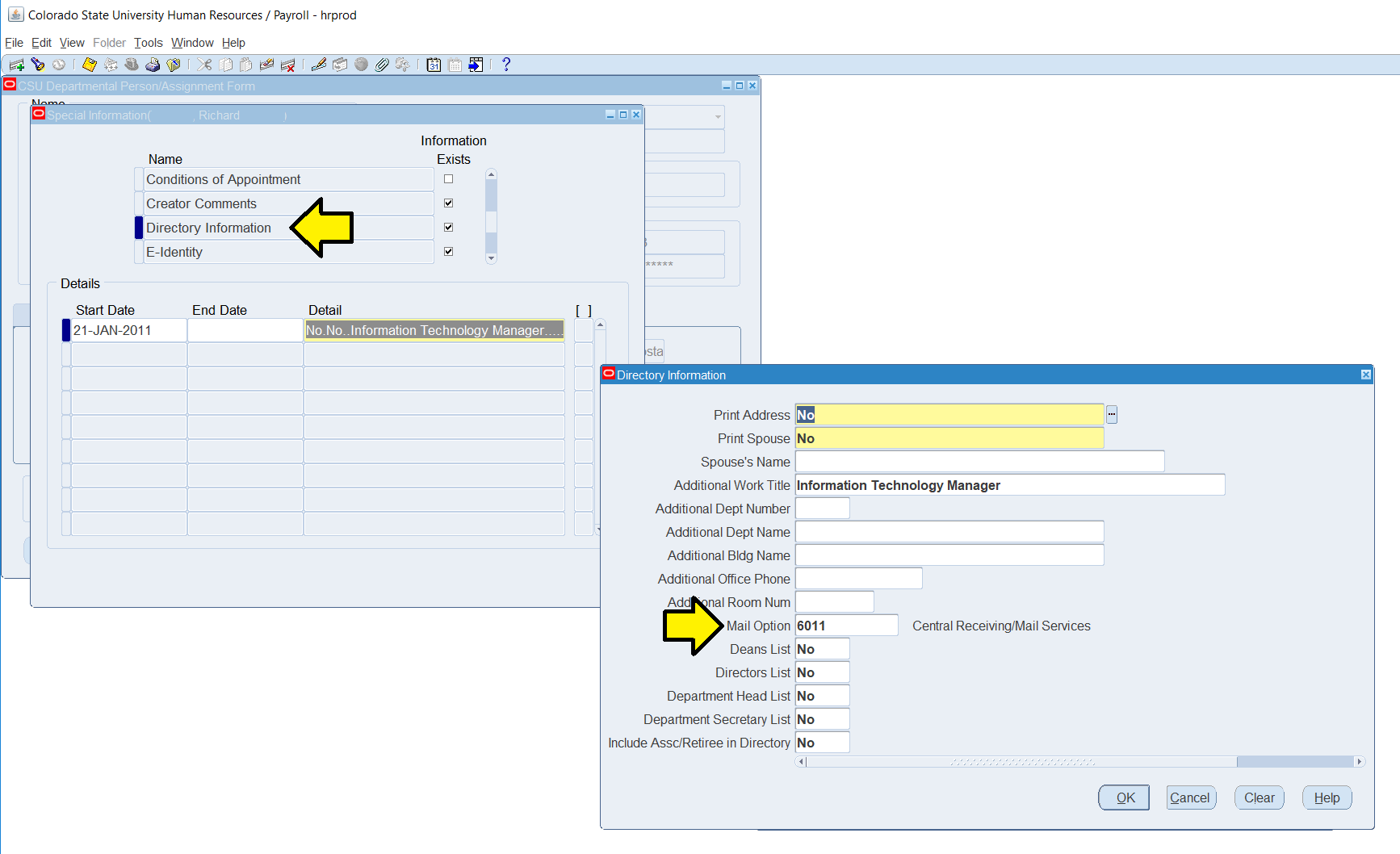
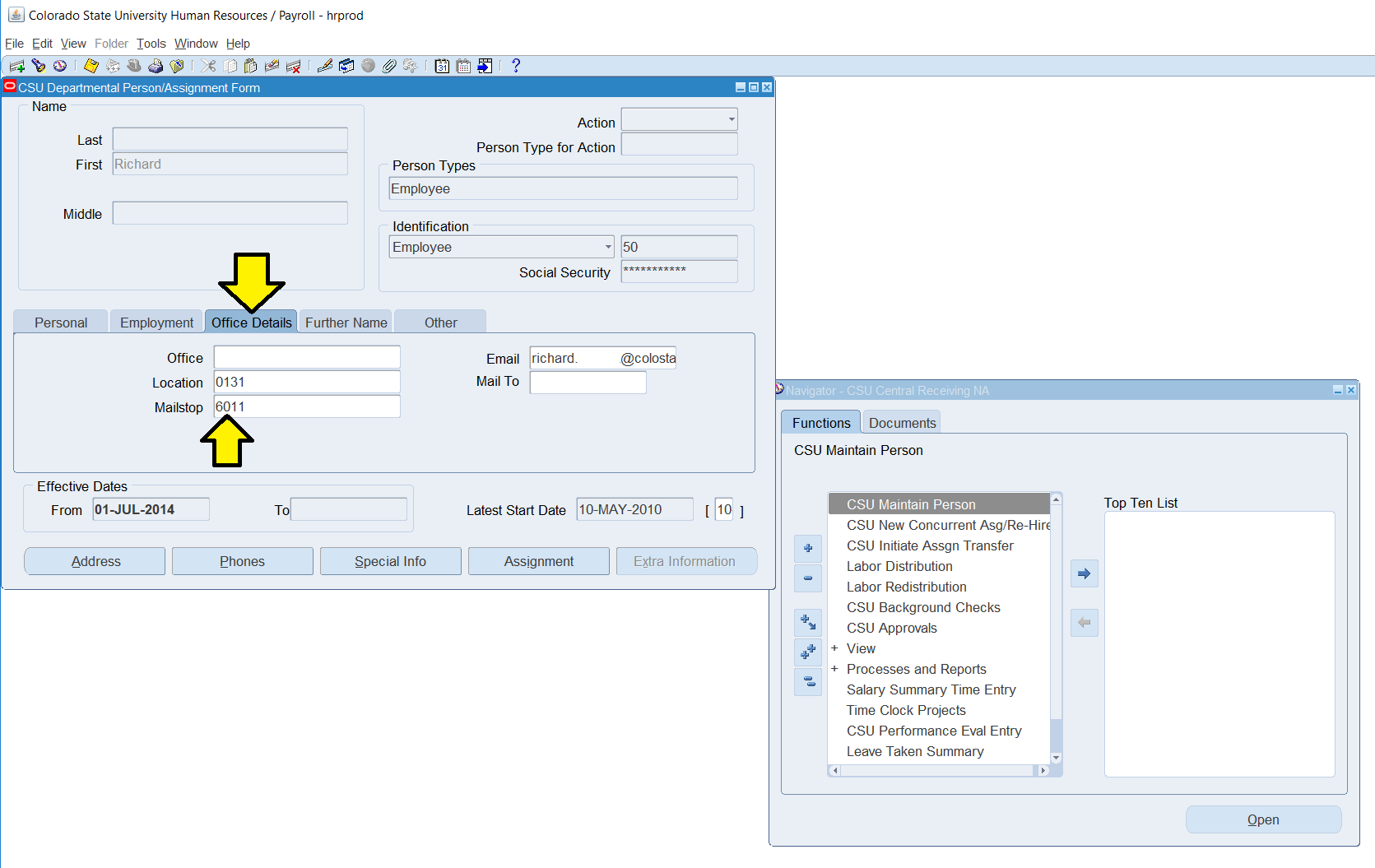
Instructions on How to Update an Individual's Campus Delivery Code in Workday. Updated January 2026

The Departments of Central Receiving uses Campus Delivery Codes to deliver all campus mail.  It is important to ensure that an individual’s Campus Delivery Code is updated in Workday to ensure timely delivery of mail pieces.

Campus Delivery Codes are updated by your Department’s HR Partner.  The Departments of Central Receiving is not able to update this information, it must be completed by your HR Partner.

Are you a Department HR Partner?   Great!  Here is a short guide on how you can perform this action as an HR Partner.

Step 1 of 4: From Workday, search for the person you wish to change in the search bar and click their name to open their Worker Profile.

Step 2 of 4: Click the Actions button under their title to open the flyout menu, then click Additional Data, then click View All.

Step 2A

Step 2B

Step 2C

Step 3 of 4: In the Mail Code section, click the Edit button.

Step 4 of 4: Enter the new Campus Delivery Code in the Mail Code field and click OK.

This must be 4 numerical digits only, no dashes, no letters.

You Are Complete! - Give it a couple days to enter our data streams. Thank you!

TIP: Make sure you are using the correct CAMPUS DELIVERY CODE.

Your Organization (Department) Number or Facilities Building Number is NOT your Campus Delivery Code.

Location & Hours

200 W. Lake Street
Fort Collins, CO  80523-6011

Open Weekdays
7:30am to 4:00pm
Excluding University Holidays